Back to Gallery

Free Sales Invoice Template

Perfect for salespeople, account executives, and sales teams. Track commissions, deals, and product sales.

Download Template

No account required to start β€’ Free PDF export

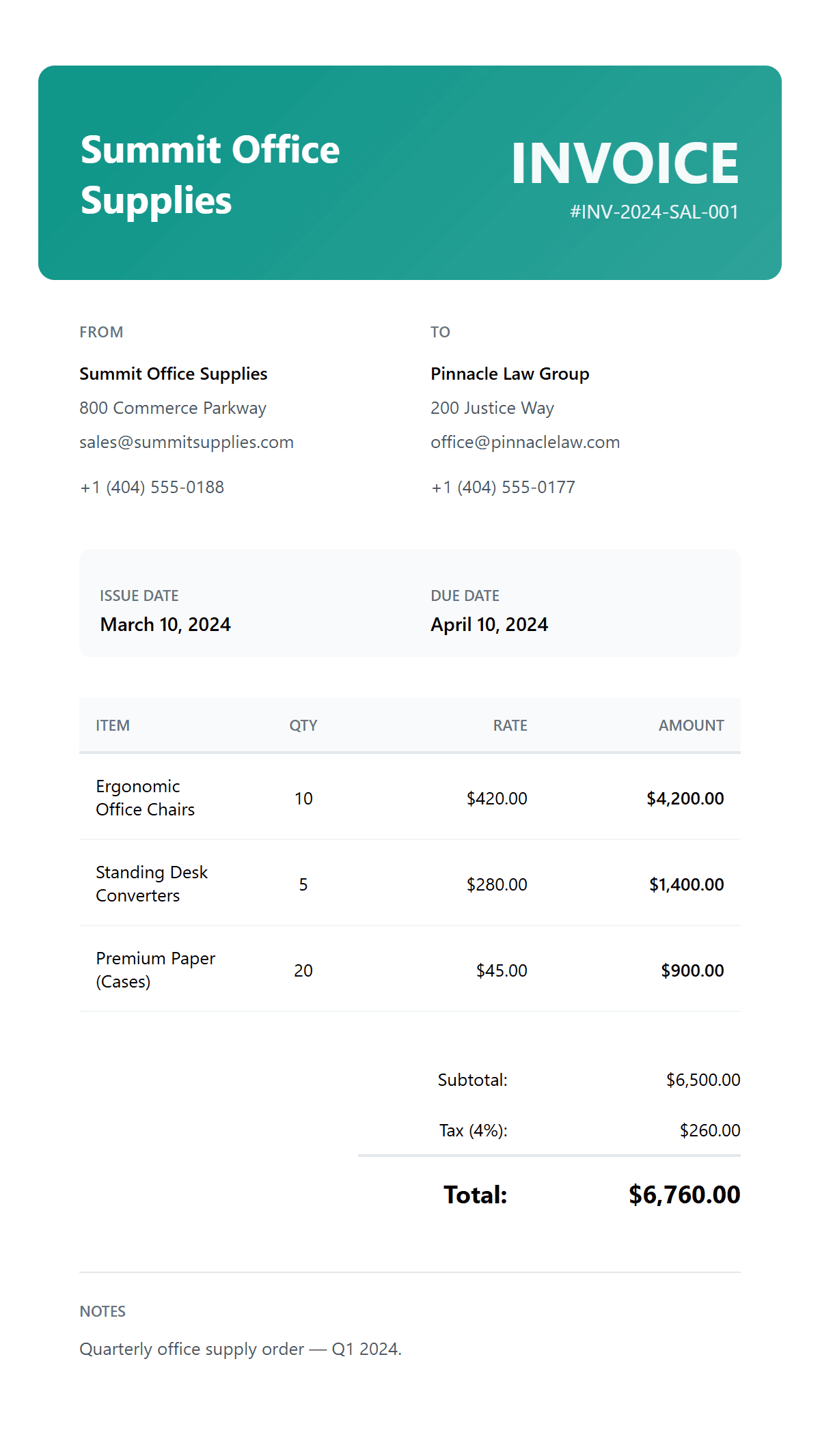
  • Product line itemisation with SKUs
  • Automatic total calculations
  • Quantity & unit price display
  • Tax compliance (sales tax/VAT/GST)
  • Discount management
  • Shipping & handling fields
Free Sales Invoice Template preview
πŸ›’ Product Sales

When to Use a Sales Invoice

A sales invoice is used when businesses sell physical products, inventory items, or merchandise to customers. Sales invoices are essential for:

  • β€’Product sales β€” businesses selling physical products, inventory items, or merchandise to customers
  • β€’Retail transactions β€” retail stores, e-commerce sites, and businesses with high-volume product transactions
  • β€’Wholesale orders β€” wholesale distributors and B2B sales with large quantity orders and bulk pricing
  • β€’Shipping & fulfilment β€” orders requiring delivery tracking, shipping costs, and handling fees as separate line items

How to Create a Sales Invoice

Creating a professional sales invoice ensures accurate billing and faster payments. Use our sales-optimised invoice creator with product cataloguing, tax calculations, and discount management built for retail and wholesale businesses.

How to Get Paid for Product Sales

Streamline your sales billing process to ensure timely payments and accurate record-keeping.

Add Your Business Information

Include your business name, address, contact details, and tax ID. Upload your company logo for a professional appearance.

Enter Customer Details

Fill in your customer's name, billing address, and contact information. Add shipping address if different from billing.

List Products & Quantities

Add each product with description, SKU, quantity, and unit price. The system automatically calculates line totals.

Add Tax & Shipping

Apply sales tax based on your location and customer's address. Include shipping costs and any handling fees.

Set Payment Terms

Specify your payment terms (Net 30, Due on Receipt, etc.), accepted payment methods, and any early payment discounts.

Product Management

  • βœ“ Product Catalog Management
  • βœ“ Quantity & Unit Price Display
  • βœ“ Automatic Calculations
  • βœ“ Discount Management

Tax & Compliance

  • βœ“ Sales Tax / VAT / GST
  • βœ“ Tax-Exempt Handling
  • βœ“ Multi-Jurisdiction Support
  • βœ“ Professional Formatting

Shipping & Delivery

  • βœ“ Shipping Cost Fields
  • βœ“ Handling Fee Support
  • βœ“ Multiple Address Fields
  • βœ“ PDF & Word Export

Frequently Asked Questions