Back to Gallery

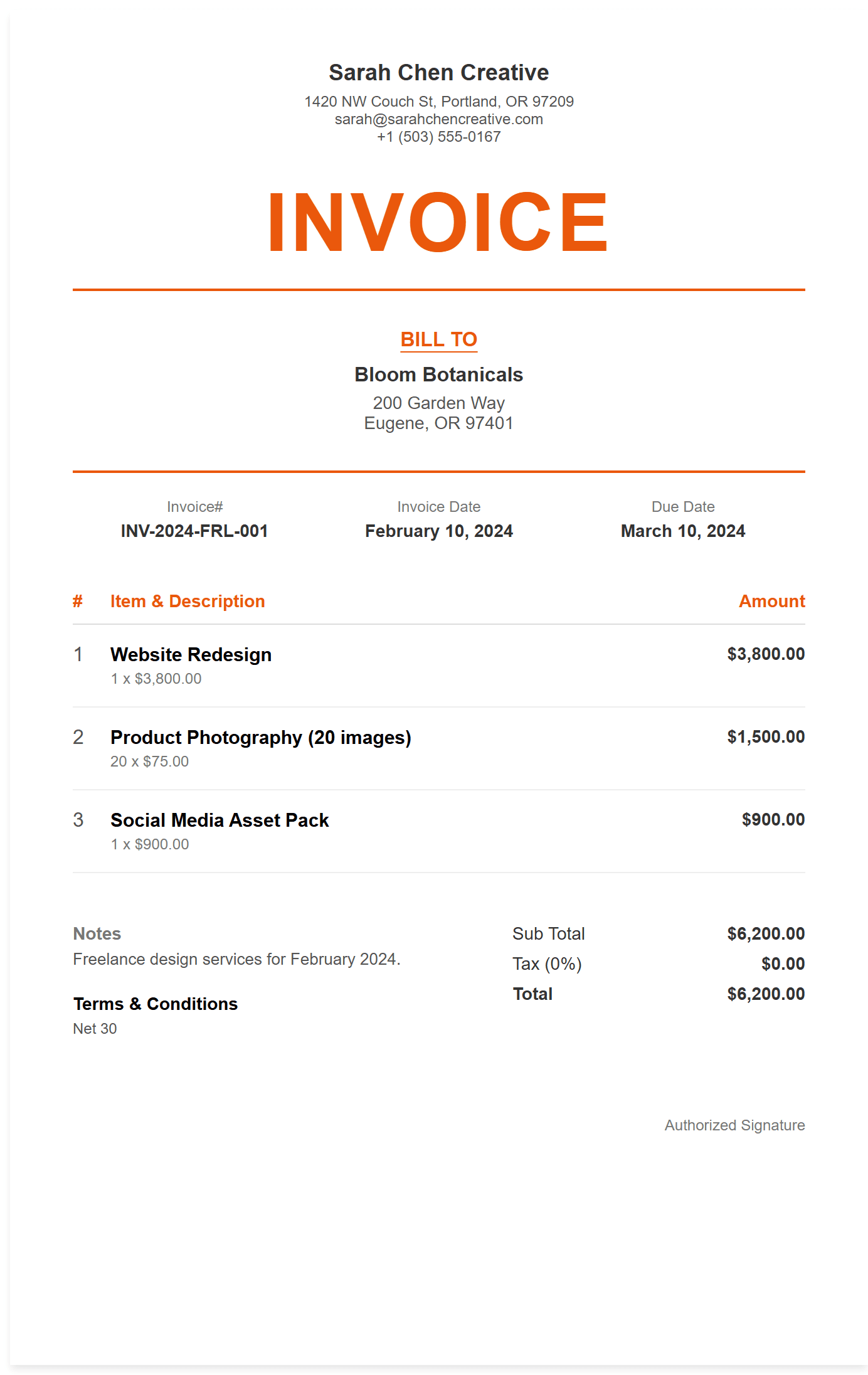
Freelance Invoice Template

Perfect for independent contractors, designers, developers, and gig workers. Bill by the hour or project with a clean, professional layout.

Download Template

No account required to start β€’ Free PDF export

  • Logo and branding placement
  • Auto-calculated totals and tax
  • Flexible payment terms and due dates
  • PDF, Word, and Excel exports
Freelance Invoice Template preview
🎨 Freelance & Gig Work

When Should I Use a Freelance Invoice?

A freelance invoice is essential when independent contractors and creative professionals complete projects for clients and need to request payment. Freelance invoices should include:

  • β€’Project deliverables completed β€” detailed description of work delivered, services provided, and milestones reached
  • β€’Time tracking and hourly rates β€” clear breakdown of hours worked, rates per hour, and total time invested
  • β€’Creative work and intellectual property β€” design work, writing, development, or other creative services provided
  • β€’Project expenses and tools β€” software subscriptions, stock photos, or materials purchased for the client's project

Pro Tip: Invoice immediately after delivering work. Don't wait until the end of the month. Quick invoicing shows professionalism and improves cash flow.

How Do I Create a Freelance Invoice?

Click "Use This Template" to open the invoice editor with a professional freelance layout. Add your business info, client details, project deliverables, and amounts β€” then download as PDF or email directly to your client.

How Can I Get Paid Faster as a Freelancer?

Getting paid quickly is essential for freelancers. Here's how to set up payment systems that work for independent contractors and creative professionals.

Step 1: Choose the Right Payment Methods

Offer multiple payment options: PayPal for quick payments, Stripe for credit cards, bank transfers for larger amounts, and tools like Wise for international clients. The more options, the faster you get paid.

Step 2: Set Clear Terms and Expectations

Use shorter payment terms (Net 15 for new clients), require deposits for large projects, include late fees, and clearly communicate your payment policy upfront. Prevention is better than chasing payments.

Step 3: Invoice Immediately and Follow Up

Send invoices the moment you complete deliverables, not at month's end. Set up automatic payment reminders and don't be afraid to follow up professionally after the due date.

Quick & Easy

  • βœ“ Project-Based Billing
  • βœ“ Hourly & Fixed Rate Options
  • βœ“ Professional Branding
  • βœ“ Multiple Currencies

Get Paid Faster

  • βœ“ Clear Payment Terms
  • βœ“ Late Fee Management
  • βœ“ Expense Tracking
  • βœ“ Tax Information

Flexible Billing

  • βœ“ Milestone Payments
  • βœ“ Recurring Projects
  • βœ“ Client Portfolio
  • βœ“ Custom Templates

Frequently Asked Questions