Free Excel Design Invoice Template
Spreadsheet-style invoice for those who love Excel. Familiar layout with all the calculations built in.
- Excel-style layout
- Auto-calculated totals
- Formula-ready cells
- Multiple formats
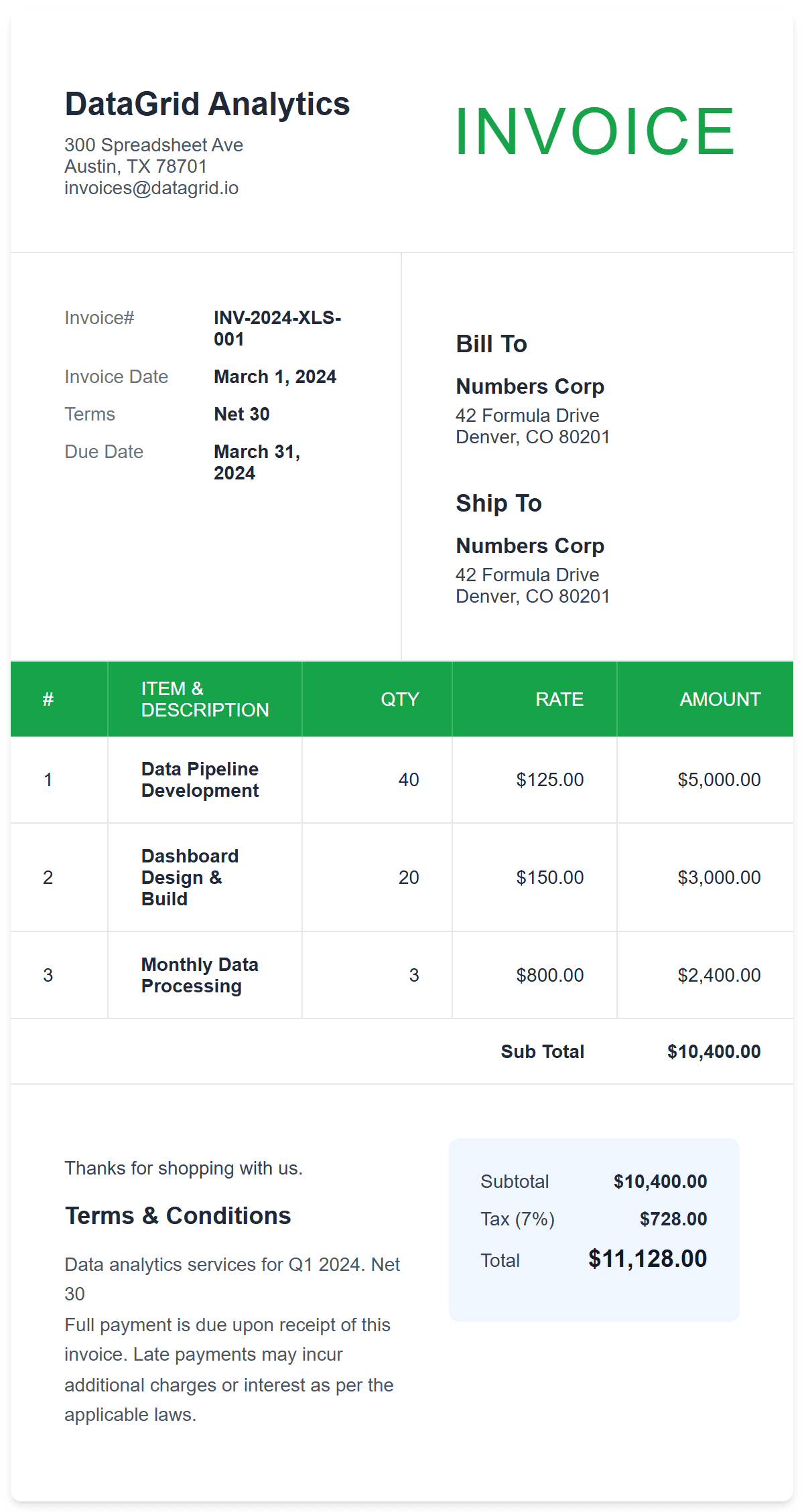
Spreadsheet-style invoice for those who love Excel. Familiar layout with all the calculations built in.
An Excel design invoice template features a spreadsheet-style layout with clear grid lines, organized columns, and data-focused presentation. It's ideal for professionals who prefer traditional spreadsheet formatting:
Pro Tip: The Excel-style layout is especially effective for invoices with 10+ line items. The grid format makes it easy for clients to scan, verify, and process payments quickly.
Creating an Excel-style invoice is simple. Use this template to generate a clean, structured invoice with automatic calculations — no spreadsheet formulas required.
The Excel design template offers specific advantages that help you get paid faster and reduce billing errors.
Finance teams and accountants process spreadsheet-style invoices faster because the format matches their daily tools. Clear columns, rows, and totals reduce review time and speed up payment approvals.
Subtotals, taxes, and totals are calculated automatically as you enter data. This eliminates manual calculation errors that can delay payments or cause disputes.
The clean, grid-based design prints perfectly on standard paper and looks professional in PDF format. Customizable colors let you match your brand while maintaining the structured data layout.